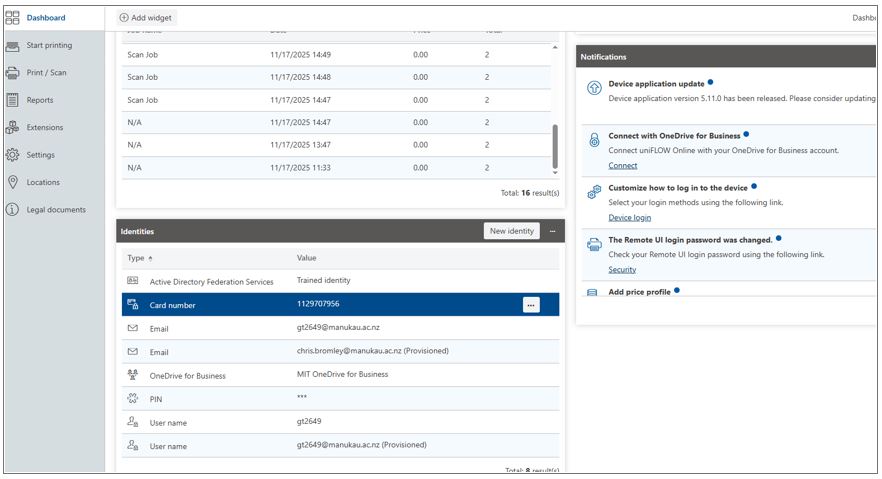
If you lose your ID card, first, contact security to block the card. If you find your card later, Security can unblock it.
You can still print, without your ID card, by using a one-time Pin.
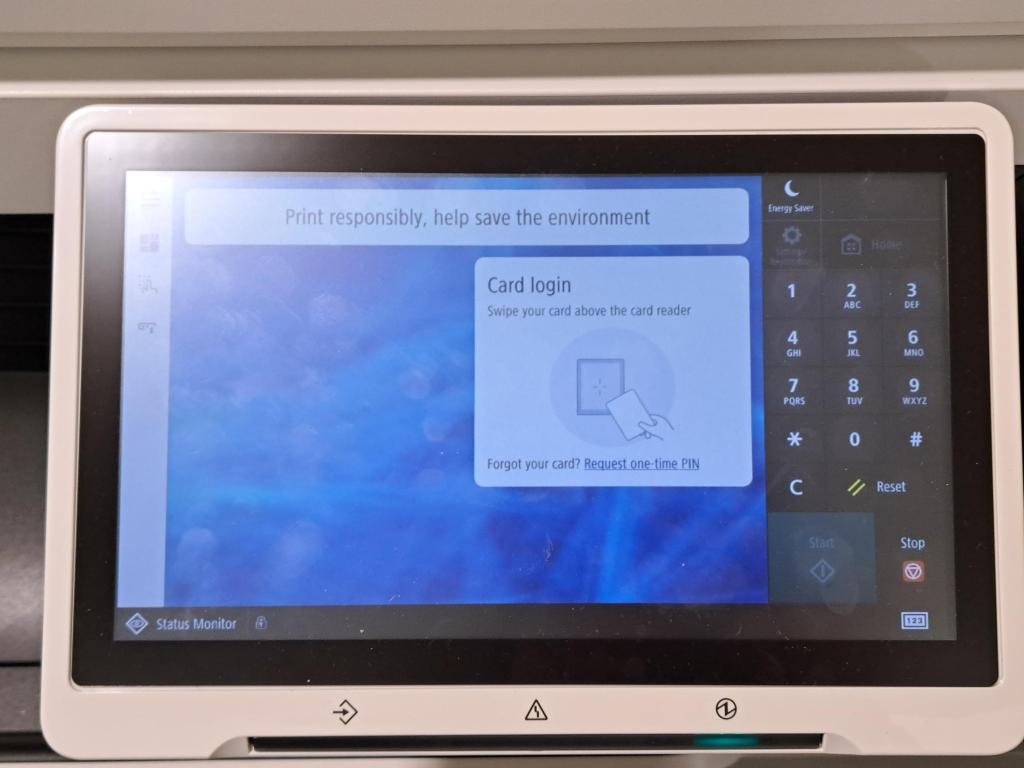
Once you receive your new card, you have to register it and delete your old card in your portal by clicking the three dots next to “Card Number” and selecting Delete or raise an IT ticket for assistance.