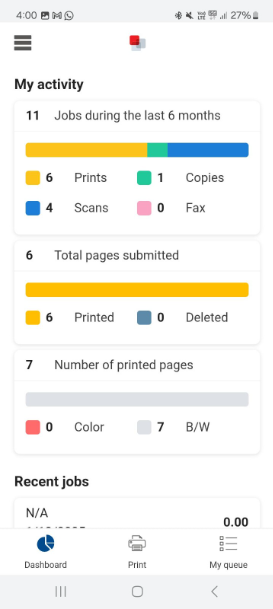
- Install ‘uniFlow’ app from the Play Store or App Store

- Find the app and install it.

- Once Open, Click on Next.

- A 6-digit code will be shown on the mobile scree, which needs to be used in uniFlow online portal to connect device.

- Once you log in to uniFlow online portal, you will see a small mobile icon on top right corner of the screen.

- When you click the mobile icon, a window pops up, enter the 6-digit number from the mobile screen and click Next.

- A QR code will pop up on the web browser.

Click on “scan QR Code” on the mobile device

- Once it is done, you can close the web browser. Now the app on your mobile device is installed and ready to use.